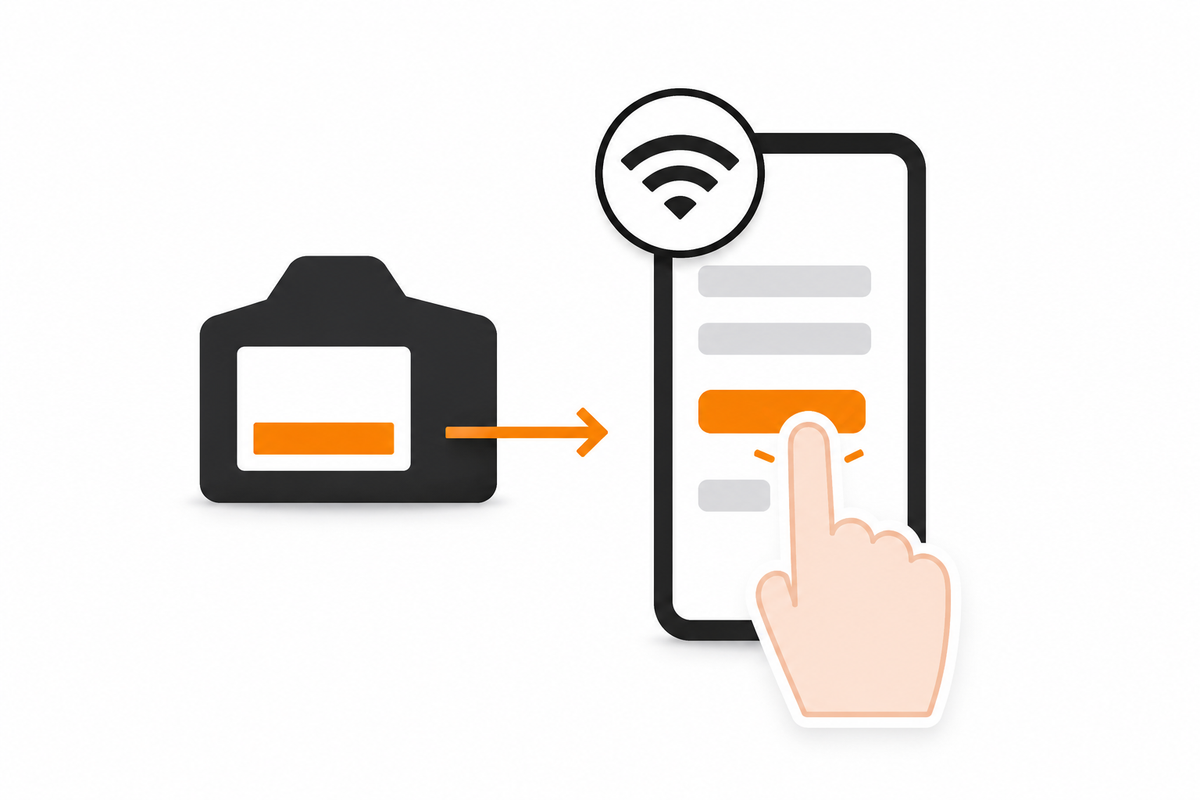
Before setup
Before connecting the camera, check that:
- the battery is above 20%
- your phone is connected to your home 2.4 GHz WiFi network
- the camera is close to the router during setup
Blue flashing light
A flashing blue light usually means the camera is ready to connect. If the camera doesn’t connect:
- move the camera closer to the router and try again
- carefully check the WiFi password
- fully charge the battery and retry setup
- if setup still fails, reset the camera
Most connection issues are simple setup issues and can usually be resolved quickly.
Resetting the camera
- Hold the reset button for around 10 seconds.
- Wait for the camera to restart.
- Repeat setup.
Hotspot mode vs. home WiFi mode
Hotspot mode
Your phone connects directly to the camera. Live viewing only works while your phone stays within roughly 16–33 ft (5–10 m) of the camera.
Home WiFi mode
The camera connects to your home router. This allows notifications, playback and live viewing from anywhere — the mode most people will want for everyday use.
WiFi signal
- Check your phone’s WiFi signal where the camera will be installed.
- Avoid placing the camera too far from the router if possible.
A stable WiFi signal helps improve reliability and battery performance. PeekWild cameras use standard 2.4 GHz home WiFi — browse the range.