Customer care

Help & FAQ

Setup, power, the app and installation — answered.

Answers to common questions about setting up and using your PeekWild camera. Can’t find what you need? Email support@peekwild.com.

FAQ

Common questions

Installation

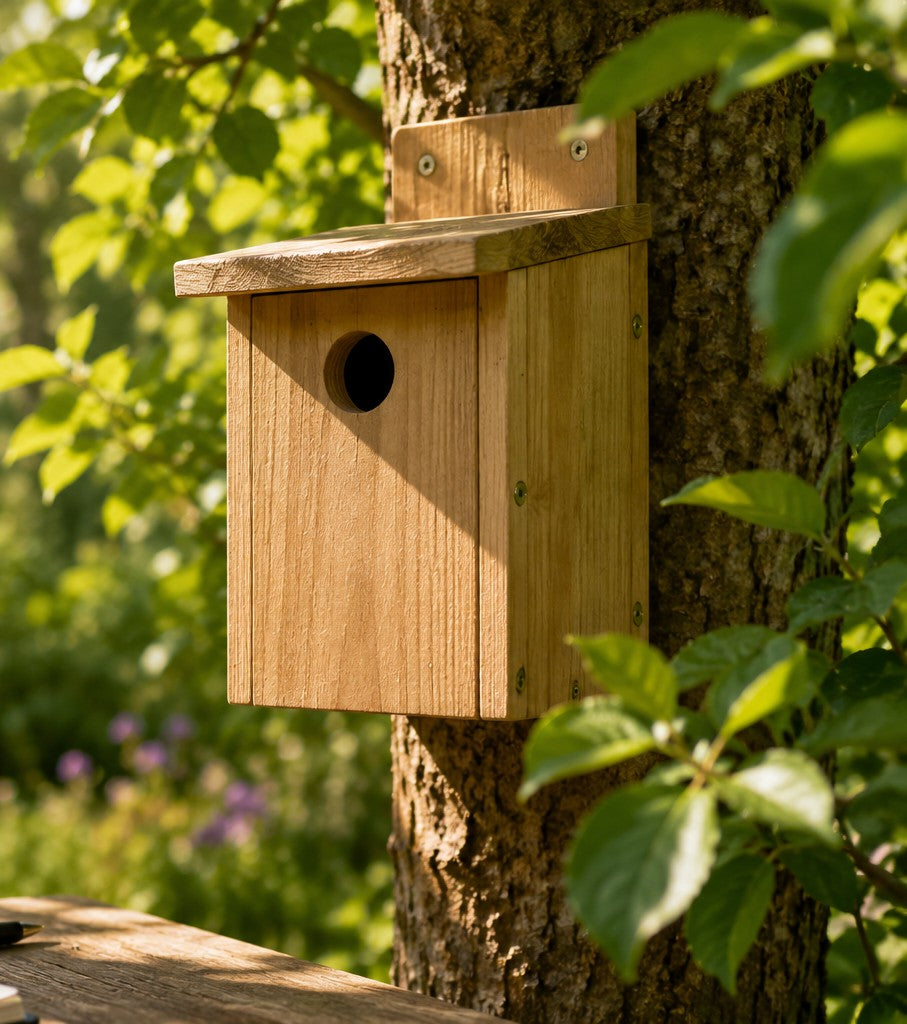
How does it attach to my birdhouse?

With the self-adhesive mount (no tools needed) or with screws for a secure, permanent fit. The camera measures 1.8 × 1.8 × 1.8 in (45 × 45 × 45 mm) and stands 3.3 in (8.5 cm) tall including the stand. Birdhouse not included.

Where should I put the birdhouse?

Mount it 4.9–6.6 ft (1.5–2 m) above the ground, facing north-east or north-west where possible, somewhere your phone gets a strong WiFi signal. Clean it once a year after the breeding season.

How is the entrance camera different from an in-box camera?

It sits outside your birdhouse on a flexible gooseneck and secure clip, giving a close-up view of the entrance hole — birds arriving, feeding trips and fledglings leaving — without placing a camera inside the nesting chamber.

What can I attach the feeder camera to?

Bird feeders, poles, fences or backyard structures, using the adjustable clip and flexible gooseneck mount. No drilling required.

App & storage

Can I use a microSD card?

Yes, optionally. The Smart Birdhouse with 5MP Camera accepts a microSD card up to 128GB (not included) for extended recording history. It isn't required for normal use.

Is a subscription required?

No. Motion clips are saved in the app's album, where you can view, download and share them without a monthly fee. Optional cloud storage is available if you want a longer video history.

Setup & WiFi

Will night vision disturb the birds?

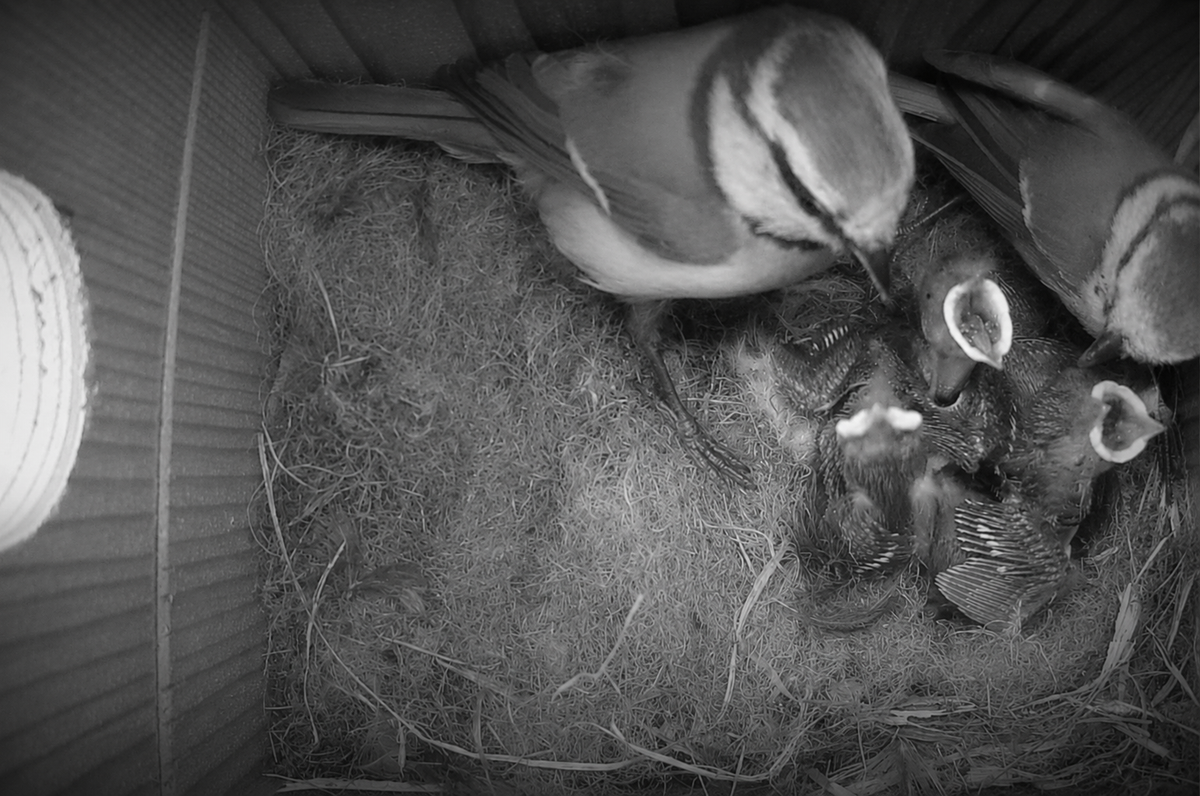
No. Infrared night vision switches on automatically after dark and produces no visible light, so nesting birds aren't disturbed.

What WiFi does the camera need?

A 2.4 GHz WiFi network — the band virtually all home routers support. Install the camera where your phone already gets a stable WiFi signal for smooth live streaming and reliable alerts.

Does it work with 5 GHz WiFi?

No — it connects over 2.4 GHz WiFi only. Almost all home routers broadcast 2.4 GHz, and it has better range and signal penetration through walls than 5 GHz. If your phone gets a stable WiFi signal at the installation spot, that's a good sign.

Power & solar

Do I need to run power to it?

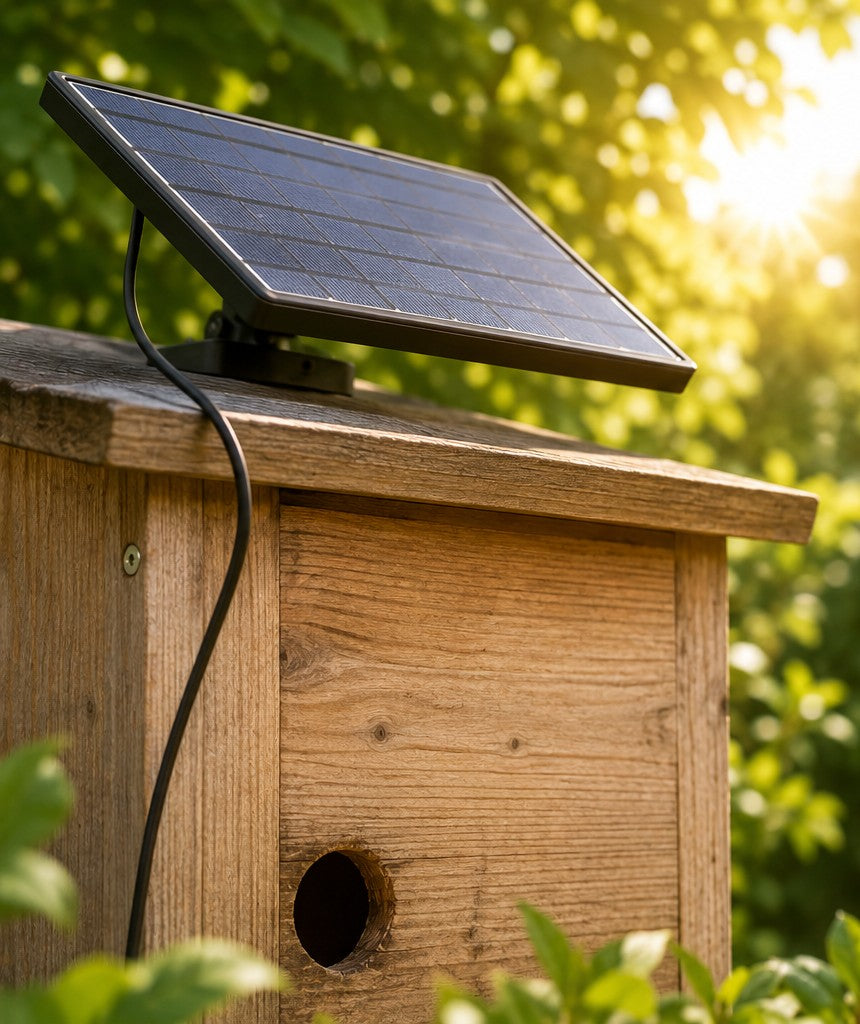
No. The camera runs on a built-in rechargeable battery, supported by a solar panel that helps maintain the charge during daylight. Fully charge it before first use and place the solar panel in direct daylight where possible.

Setup guides

Step-by-step guides

WiFi setup, battery and solar tips, camera settings and night vision.

All guides

Still have a question?

Email support@peekwild.com or send us a message.